STEP 1
Create a subscriptions budget
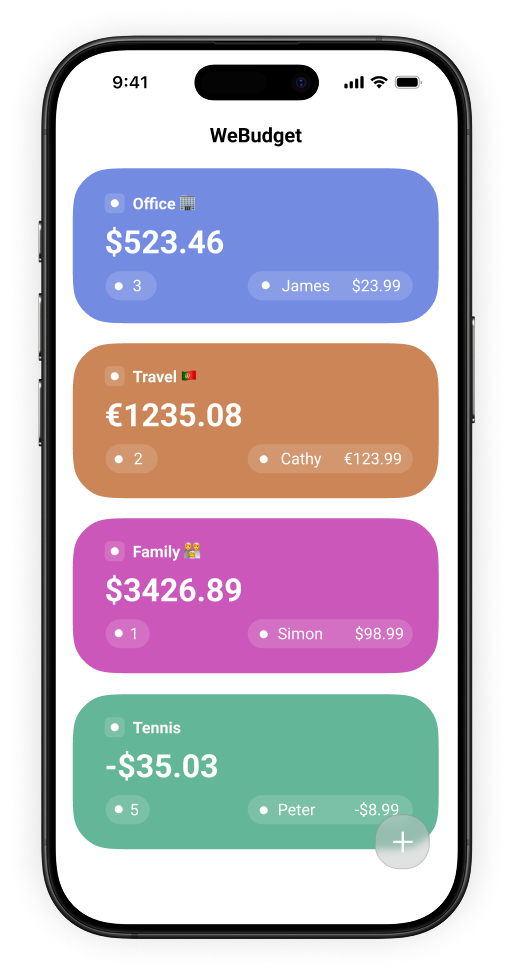
Keep digital services separate from groceries, travel, and other shared plans.
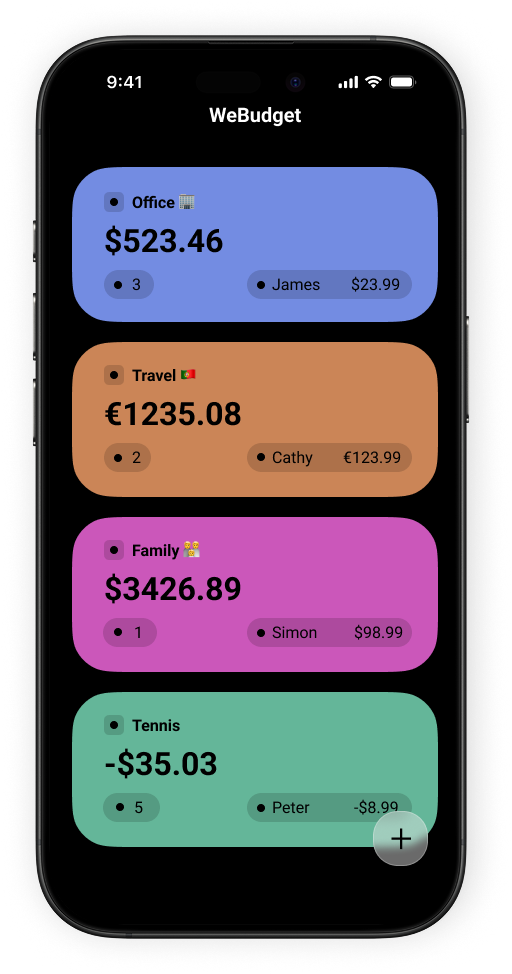
Recurring group costs
Keep streaming, cloud storage, and other shared digital costs in one budget that everyone can check.
Set up a shared budget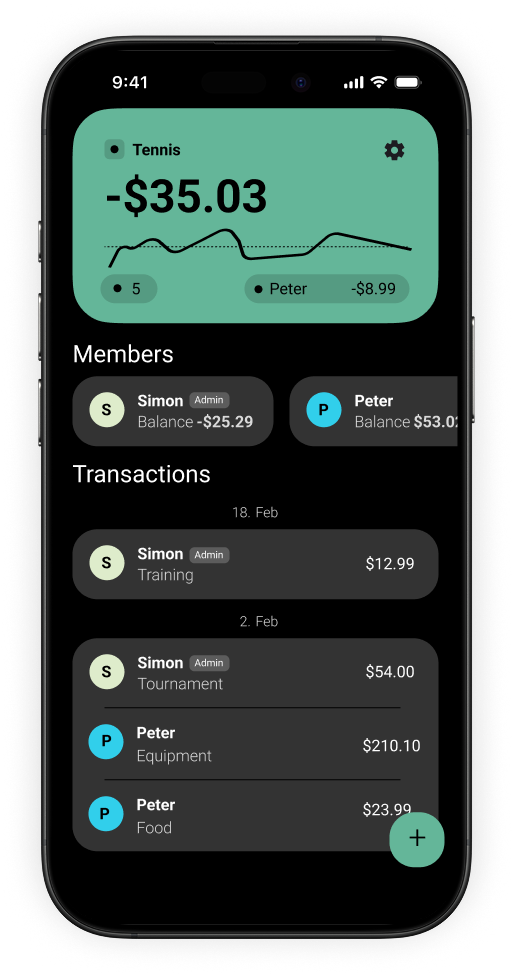
Keep recurring costs visible
A subscription can be small on its own but easy to lose track of as a group. A dedicated shared budget gives your household, family, or friends one place to record each charge and review the total together.
STEP 1
Keep digital services separate from groceries, travel, and other shared plans.
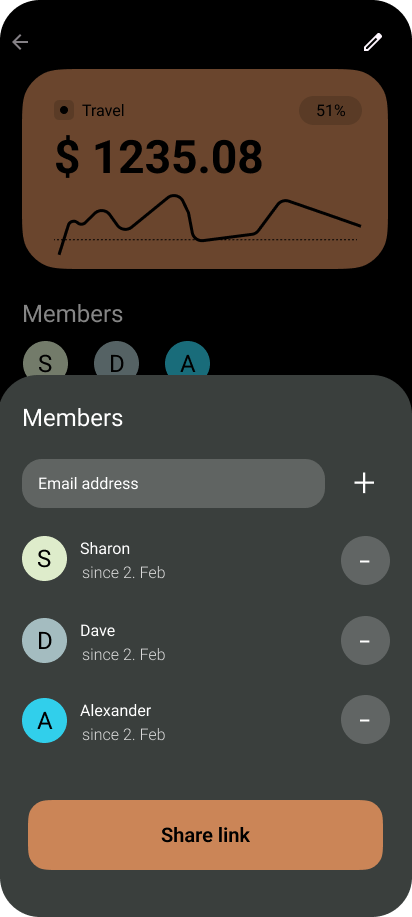
STEP 2
Share the same budget with the people who contribute or need the overview.
STEP 3
Add charges when they occur so the current total remains easy to understand.
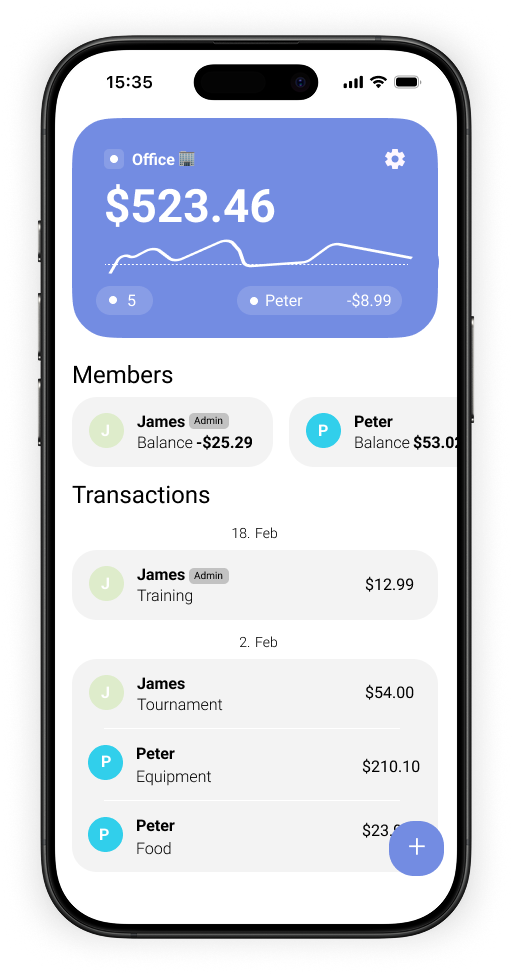
A practical shared record
Use a single budget for subscriptions you share. When a price changes, a service is cancelled, or a new charge arrives, add it to the shared record rather than relying on old messages or memory.
Download WeBudget for iOS or Android.